
The software allows you to separate unsecured creditors into separate categories to report separately or pay or exclude creditors from a dividend.
1. Add a separate unsecured creditor account
From the creditor register click “Add Account” and Add the account (category) name
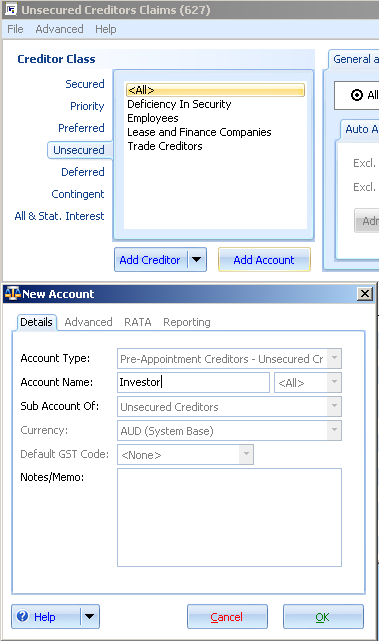
2. The category is now added
The new category will display in the creditor class filter
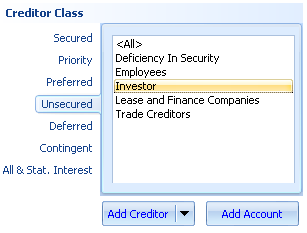
3. Assign Creditors to categories
a.Use the creditor register filter to define the list of creditors that fit into the category that you want to assign.
b.Use the multi-select feature (using the mouse and shift key) select a range of creditors.
c. Right click on the selection and select “Change Claim Account” and select the account (category)
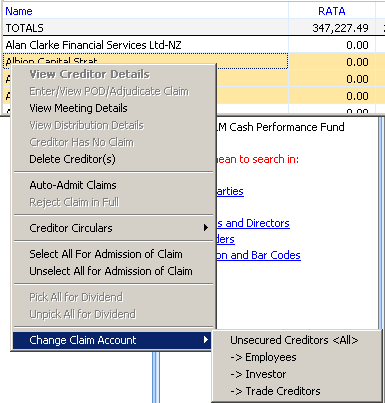
4. Filter creditor register
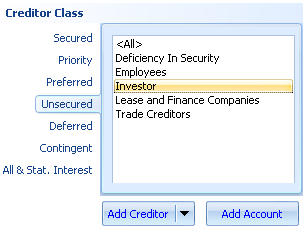
You may now filter the creditor register using the creditor class selector to only display the creditors belonging to the relevant account
Comments
0 comments
Please sign in to leave a comment.