
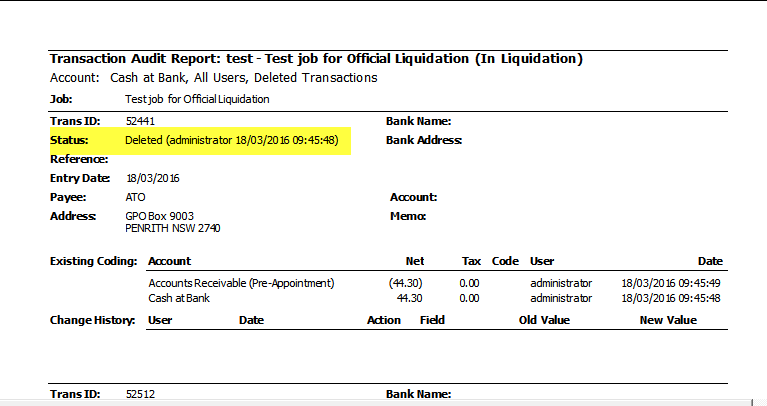
To see an audit trail of what transactions have been deleted from the job:
- Open the Job
Financials -> Accounts -> double-click on the account you want to review. eg Cash at Bank - Run the Report
For the toolbar click the Report toolbar item.
Select Reports -> Transaction Audit Report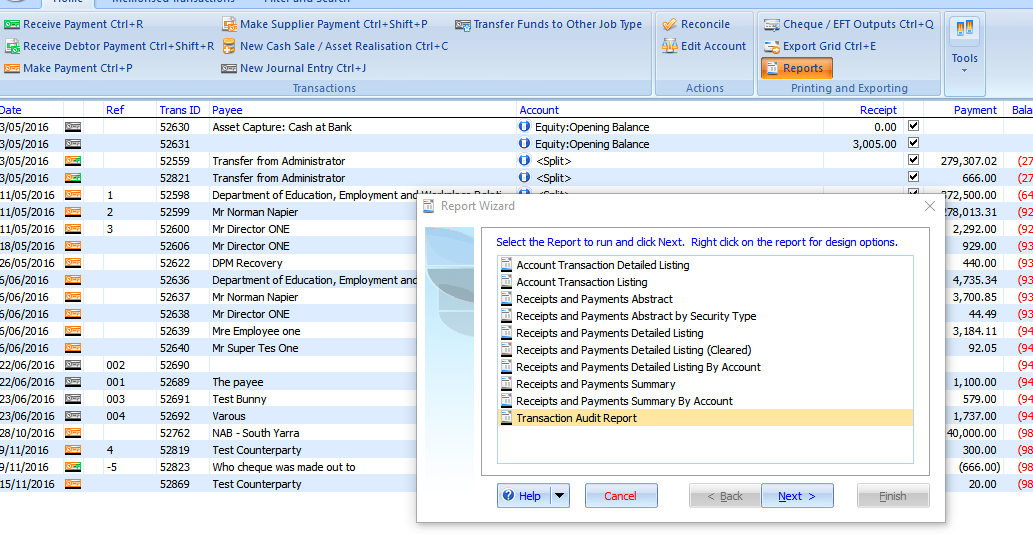
The Report Wizard opens. - Select the Wizard Options
Select criteria for report -> Next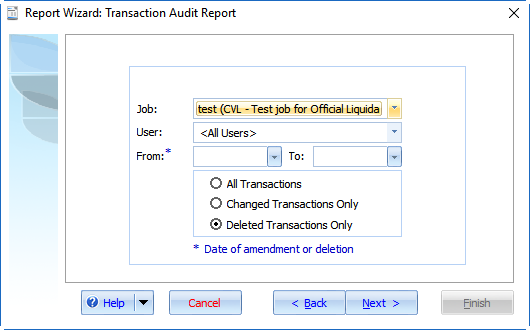
The Report Output Options appear. - Print the report
Output the report to either Screen, Print or Export then click Finish.
The report displays.
Comments
0 comments
Please sign in to leave a comment.