
When Scanning Documents
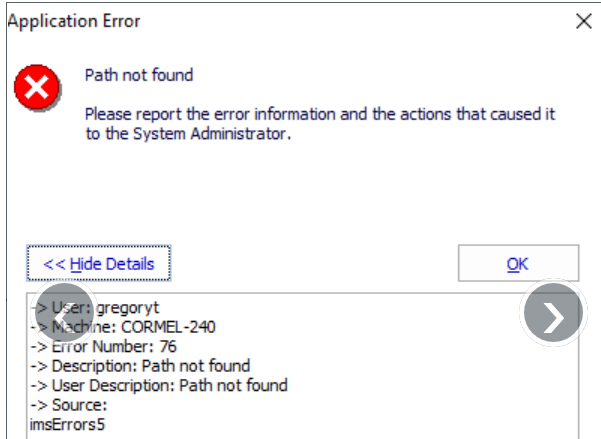
If one of the documents has a document path (including the filename) that is too long (over 256 characters) then the following error will occur when using the "Scan and Import" documents function on the Document tab.

When running the Document Production Wizard
The error may also occur when finishing the Document Production Wizard for a single document or a letterpack. You may find you can produce a document from a letterpack on its own, independent of the letterpack, but that same document will error when used in a letterpack. This is because the path name for the finished merge also includes the name of the letterpack, which may exceed the number of characters, 256, allowable in the file path name.
The resolution, firstly, is to make the root job document folder shorter within Windows and then make sure that the folder name reflects the new path under the Job Settings.


Comments
0 comments
Please sign in to leave a comment.