
Occasionally there maybe a requirement to re-set the Tab Layout to align the menus to their default settings.
An example of this is when you experience a screen similar to the following:
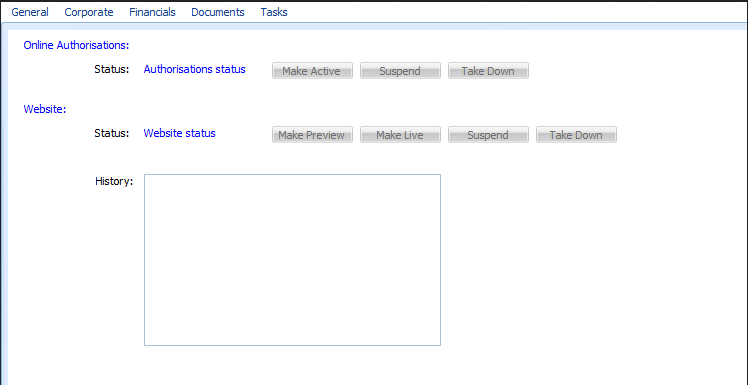
To remedy this situation a Tab Layout Reset is required.
Once way to do this is to run a registry update. If you copy the attached file "Reset Tabs.reg" and double click on this reg file the tab layout will be reset.
There is another way to reset the tabs, explained below:
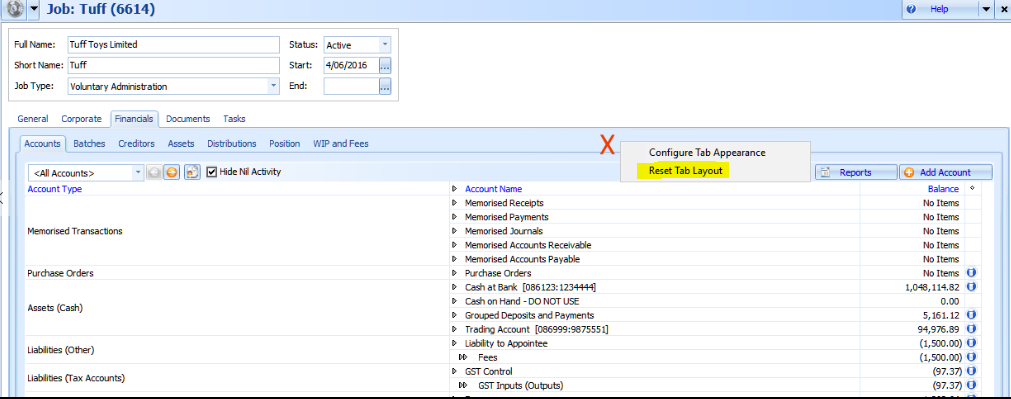
Go into the Job and place your cursor where the red X is in the screen below.
Right click and choose Reset Tab Layout.
you will be presented with the following popup box.
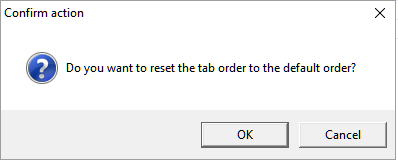
Click yes to reset the Tab Layout.
Comments
0 comments
Please sign in to leave a comment.