
The resource group holds the various Azure services needed by the application.
From the main Azure page, click the hamburger (top left) and select 'Resource Groups'. You can also select 'All Services' and select 'Resource Groups'.
Click '+ Create' (or the 'Create Resource Group' button)
Confirm Subscription (if there are more than one ... this is auto-completed)
Name the Resource Group (e.g., '<client name>_INSOL6_RG')
Select Region (usually 'Australia Southeast')
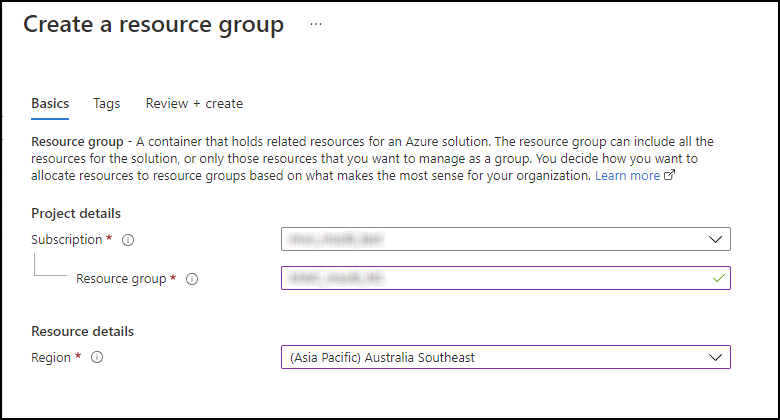
Click 'Review and Create', which validates the entered values, then 'Create'.
Click 'Home' or 'Go to resource'.
Comments
0 comments
Please sign in to leave a comment.