
This section assumes a .bacpac file has already been created and is available on the local workstation for upload.
From the container page, select 'Upload'
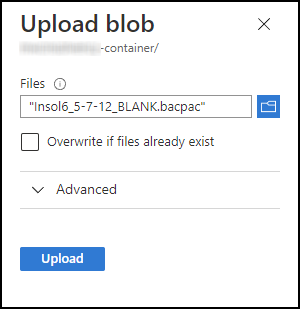
The 'Upload blob' panel opens on the right-hand side of the screen.
Click the 'Select a file' field and navigate to the local folder where the .bacpac file is stored.
A red warning is shown if a file with the same name already exists. If necessary, click the 'Overwrite if files already exists' checkbox.
Click 'Upload'
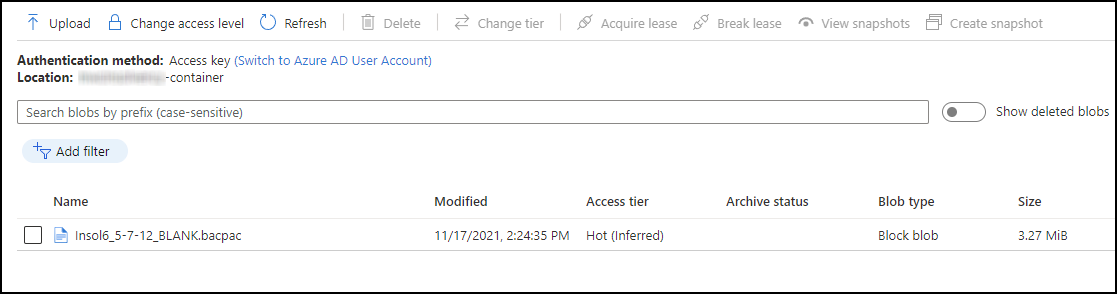
The upload is shown in the container page.
Comments
0 comments
Please sign in to leave a comment.